

First login
Finding your credentials
During installation, the bootstrap credentials were generated and saved to a values file. Run theyq command from the installer output to retrieve your password:
Accessing the login page
Open your browser and navigate to the Control Panel URL. If you haven’t exposed the services yet, see Expose the UI and deployments API for instructions. The URL depends on how you exposed the services:
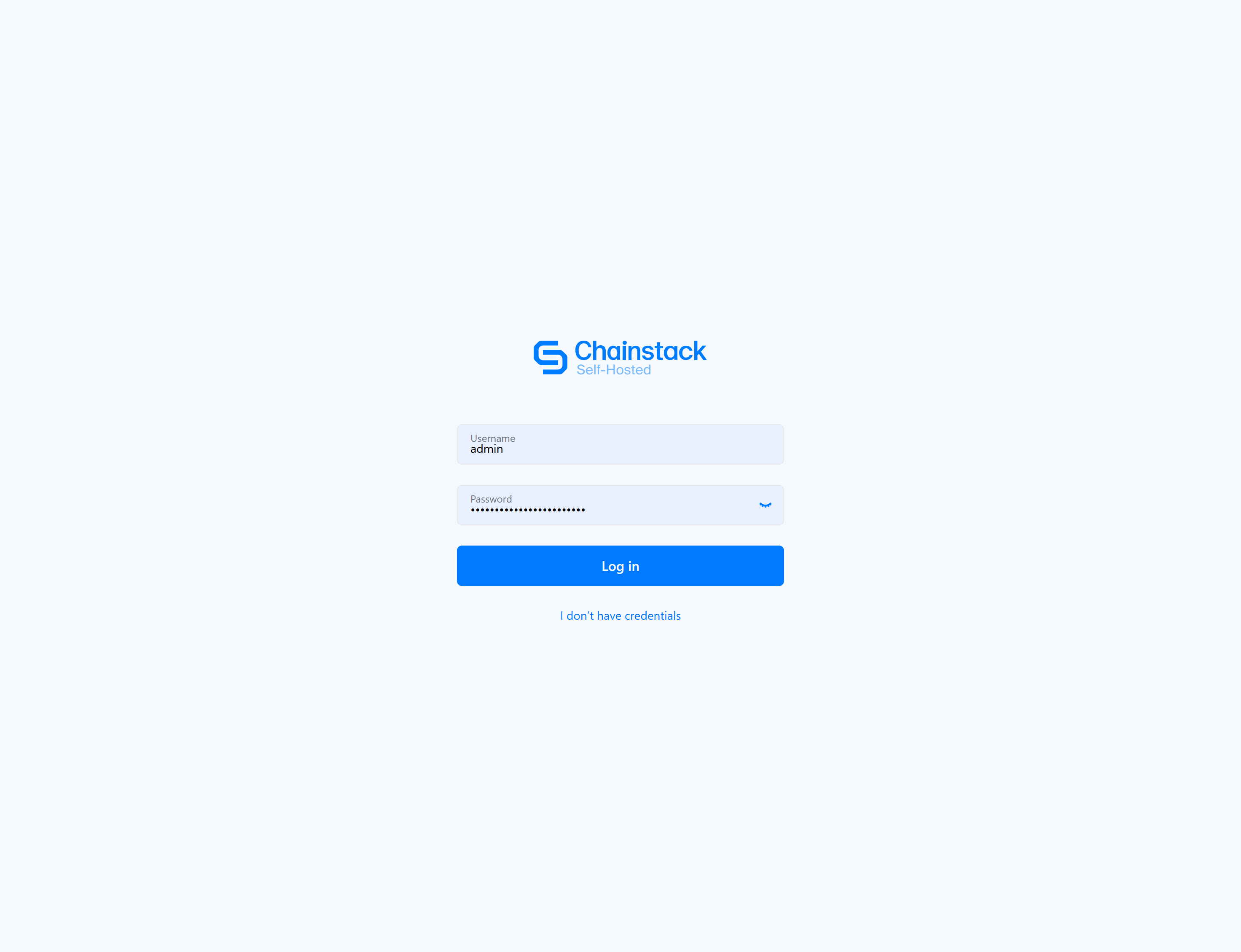
You’ll see the Chainstack Self-Hosted login page:
Logging in
- Enter
adminin the Username field - Enter the generated password from your values file in the Password field
- Click Log in
Initial configuration
After your first login, we recommend completing these configuration steps.Update admin profile
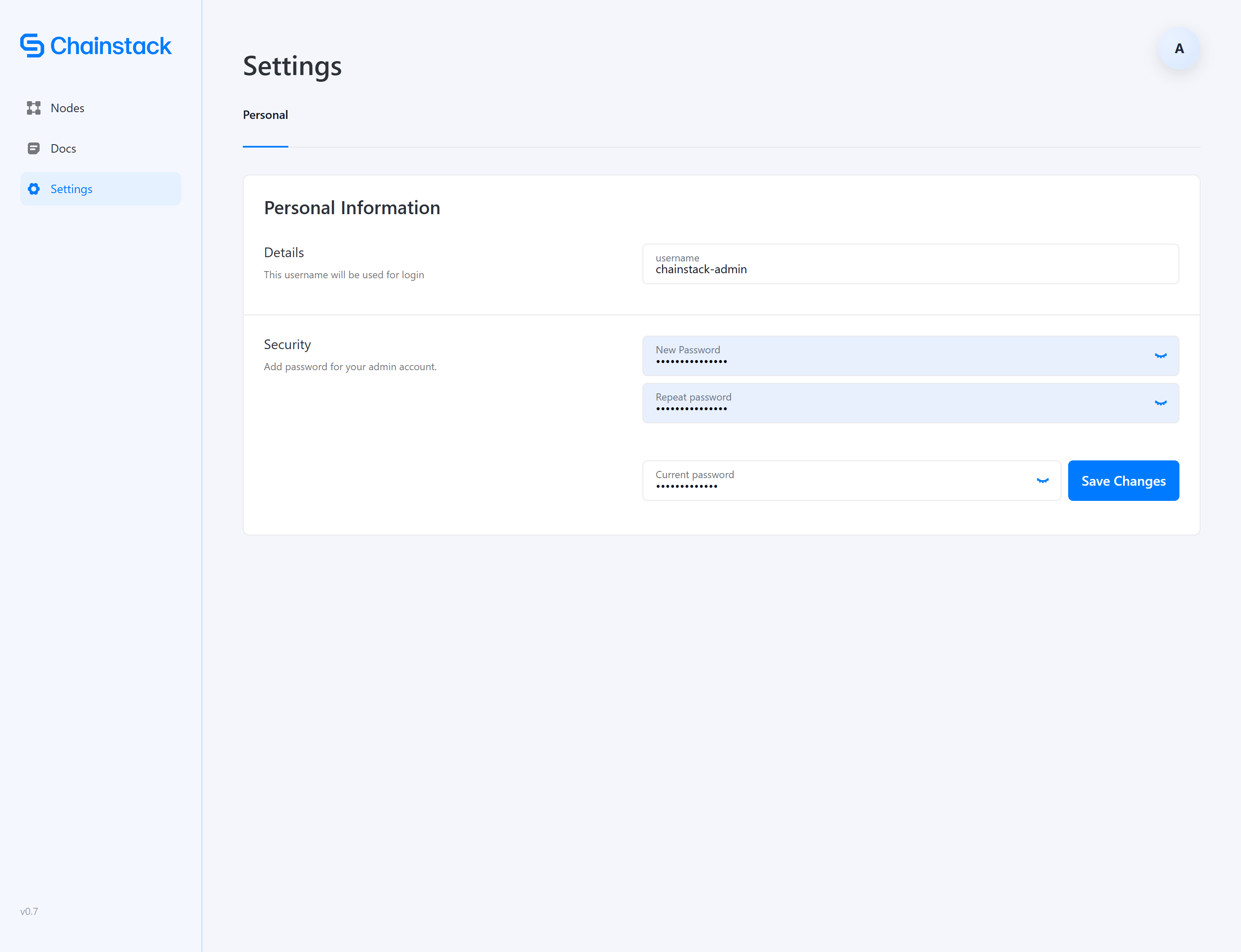
For security, update your admin credentials immediately after first login.- Click Settings in the left sidebar
- Under Personal Information, update the following:
Understanding the interface
The Chainstack Self-Hosted interface provides access to all node management functions.Main sections
Node status indicators
When viewing nodes, you’ll see status indicators:Next steps
With your admin account configured, you’re ready to:- Deploy your first node — Deploy a blockchain node
- Manage nodes — Learn node operations and monitoring