- We extend the Jetton minter to enforce a capped supply and a mint price for each token.
- The updated contract logic checks the available supply and calculates the token amount based on the TON sent.
- We added new getters and fields to handle capped supply, price, and test scenarios for correct minting.
- Lastly, we illustrated how to deploy the updated Jetton minter using Blueprint and Sandbox.
Main article
In this tutorial, we will explore how to customize the standard implementation of Jetton tokens on TON. We will guide you through the update process using the Blueprint environment and Sandbox. Specifically, we will introduce a capped supply and a mint price per token to our minter contract. Users will be able to mint tokens at the preset price until the capped supply is reached.Run nodes on Chainstack
Start for free and get your app to production levels immediately. No credit card required. You can sign up with your GitHub, X, Google, or Microsoft account.Introduction
Let’s briefly recap what we know about fungible tokens on TON. TON fungible tokens are called Jettons. The Jetton standard is detailed in TEP74, while the specification for token metadata is outlined in TEP64. The Jetton standard (TEP74) covers:- The method for Jetton transfers.
- How to retrieve common information (name, circulating supply, etc.) about a given Jetton asset.
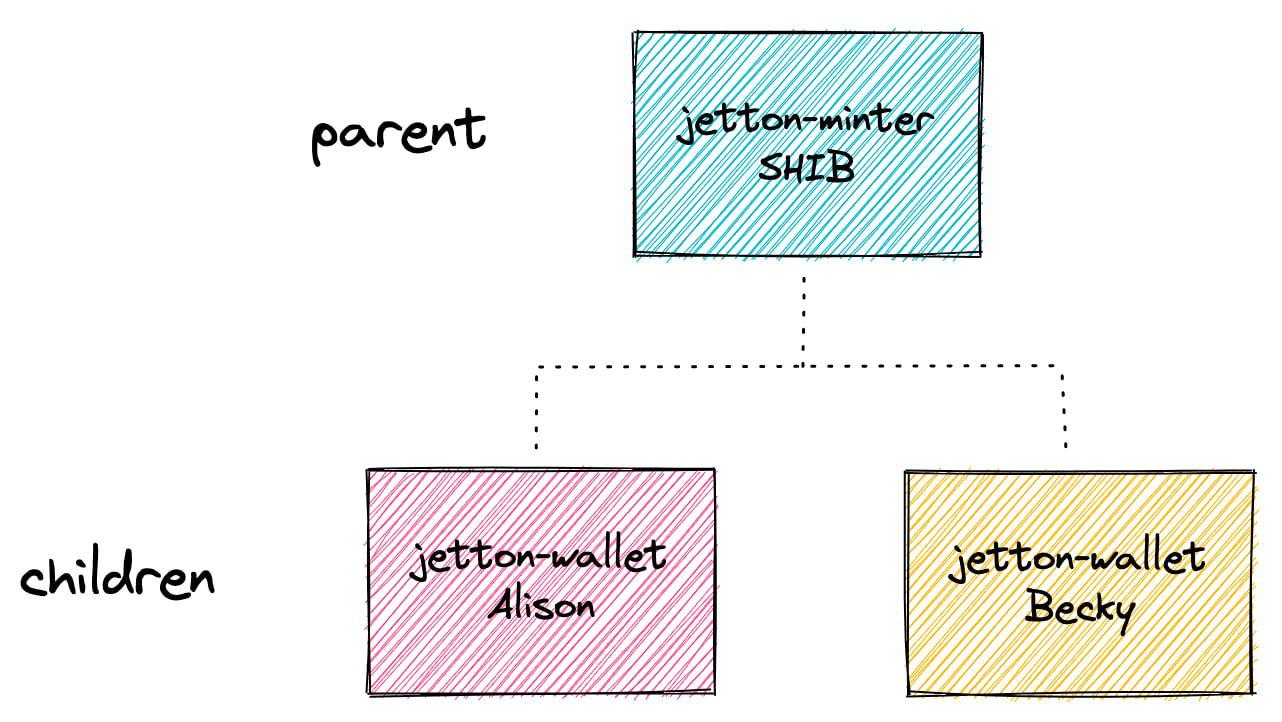
Setting up project
Clone the project from the previous tutorial into your current folder:blueprint.config.ts file with your Chainstack endpoint. For this tutorial, we will use the testnet:
Development
Contracts
In this section, we will update the minter contract to include a capped supply and token price functionality.Adding capped supply and price fields
In the contract storage, we will add two new fields,capped_supply and price. Here is the updated load_data and save_data functions:
Updating function calls
Since we have updated the mentioned functions, we now need to update their calls with the respective parameters. Here is an example of the updated getters:recv_internal function. We will:
- Calculate the number of jettons based on the amount of TON sent.
- Ensure the total minted supply does not exceed the capped supply.
Wrappers
Minter wrapper
Note that in this tutorial, we will only work with the Jetton Minter wrapper.Updating minter config
We need to update the configuration type inJettonMinter.ts to include the new fields capped_supply and price.
Updating minting message
In this version, we are packing the jetton minting message within the minter contract itself. This means that our interface now composes a simple message containing the TON amount and the recipient’s address.Updating getters
As we added new properties, the getters also must be updated. Note that we modifiedgetJettonData and added getTokenPrice.
Tests
We will add test cases to verify that the capped supply and token price functionality work as expected.Testing minting within capped supply
This test verifies jetton minting based on the TON sent, ensuring the correct jetton amount is minted and updates both user balance and total supply accordingly.Deployment
In thescripts folder, updatedeployJettonMinter.ts with the capped_supply and price properties: